Why Your AI Needs Deterministic Workflows
Let the AI figure it out is not a production strategy. Here's why separating control flow from reasoning matters.
Let the AI figure it out is not a production strategy. Here's why separating control flow from reasoning matters.
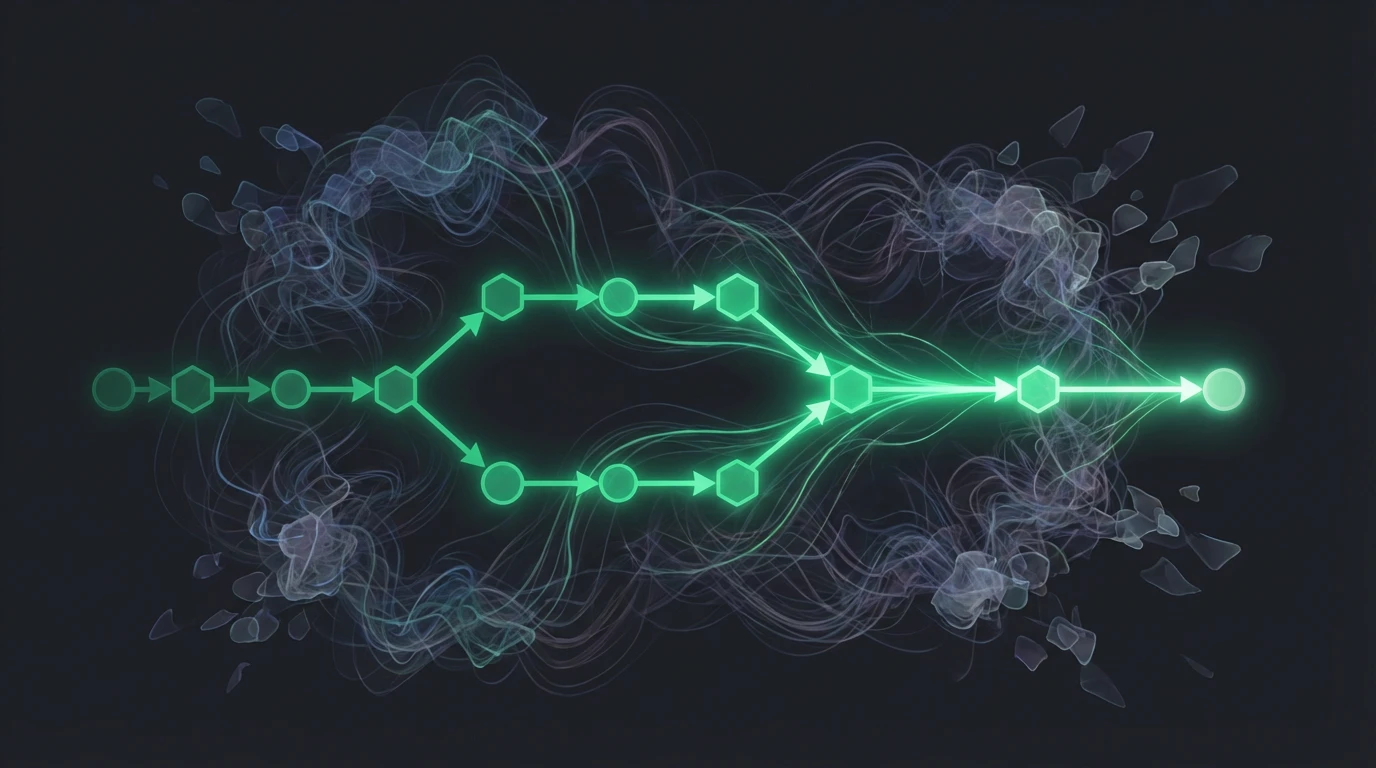
The most common pattern in AI development:
"Here's the user's request. Here are some tools. Figure out what to do."
This works in demos. In production, it's chaos.
When you let the LLM control the flow:
Unpredictable paths. Same input might take 3 steps or 30. You can't predict, you can't optimize, you can't budget.
No guardrails. The model decides when to stop. Sometimes it decides wrong.
Debugging nightmare. Something went wrong? Good luck figuring out why the model chose that path.
Inconsistent behavior. User runs the same query twice, gets different execution flows. Feels broken.
Cost explosion. More autonomy = more potential for expensive loops (see The Cost Problem in AI).
"But GPT-4 is smart enough to handle it!"
Maybe. Sometimes. When it works. Production systems need "always," not "sometimes."
The key insight: workflows and reasoning are different concerns.
Workflow: The sequence of steps, the decision points, the error handling. This should be deterministic.
Reasoning: Understanding intent, generating content, making judgments. This is where AI shines.
BAD:  AI controls everything → unpredictable
GOOD: Workflow controls flow, AI reasons within steps → reliable
The workflow is the guardrails. The AI operates within them.
A workflow is a graph. Nodes are steps. Edges are transitions.
[Parse Request]
    ↓
[Route by Intent]
    ├─→ [Order Flow]
    ├─→ [Support Flow]
    └─→ [General Q&A]

[Order Flow]:
[Check Inventory] → [Calculate Price] → [Confirm with User] → [Process Payment]
Each node can involve AI:
But the flow is fixed. You know exactly what steps run in what order.
In my system, workflows are composed of these node types:
LLM Node: Model call with optional tool access. The AI reasons, but within bounds.
Tool Node: Call an external API, query a database, execute code. Deterministic.
Router Node: Based on conditions or LLM classification, pick the next path.
Human Gate: Pause for human approval before continuing.
Parallel Node: Execute multiple branches concurrently, merge results.
Loop Node: Repeat a subflow until condition met (with hard limits).
Each node has defined inputs, outputs, and failure modes. The workflow engine handles execution.
You can map out every possible path through your workflow. You know what can happen. No surprises.
"What happens if the payment fails?" Look at the workflow. There's the error branch. That's what happens.
Execution produces a trace. You can see:
"Why did this query behave weirdly?" Check the trace. See the path. Identify the issue.
Each node has a cost estimate. Sum the path = total cost.
"How much will this workflow cost?" You can answer that before it runs.
Workflows are testable. You can:
Try testing "AI that does whatever it wants." Much harder.
Want to add a step? Add a node. Want to change the order? Edit the edges. The workflow is explicit, so changes are explicit.
"But I need the AI to decide what to do based on context!"
You can. The workflow supports it.
Router nodes: LLM decides which path to take, but paths are predefined.
[Analyze Request]
    ↓
[LLM Router: What type?]
    ├─→ Simple → [Quick Answer Flow]
    ├─→ Complex → [Research Flow]
    └─→ Unclear → [Clarification Flow]
The AI picks the path. But the paths exist in advance.
Tool-calling loops: AI can call tools, but with limits.
[LLM with Tools] (max 5 iterations)
    ↓
If tools called → execute tools → back to LLM
If no tools called → continue to next node
The AI has freedom within the node. The workflow limits how much freedom.
Sometimes you need loops. ReAct patterns. Clarification flows. Refinement loops.
The key: bounded cycles.
[Ask Clarifying Question]
    ↓
[User Responds]
    ↓
[Check if Sufficient]
    ├─→ Yes → [Continue to Action]
    └─→ No → back to [Ask Clarifying Question]
         ↓
         (max 3 iterations)
Unbounded loops are dangerous. Bounded loops are fine.
My limits:
Hit a limit? Execution stops gracefully. Better than running forever.
A side benefit: the workflow is self-documenting.
New engineer joins the team. "How does order processing work?"
Here's the workflow graph. These are the steps. These are the decision points. These are the error handlers.
No digging through code. No tribal knowledge. The workflow is the truth.
Fully autonomous agents have their place:
For these, let the AI roam. But scope it tightly, set hard limits, and don't put it in production without guardrails.
For anything customers depend on? Deterministic workflows.
"Move fast and break things" doesn't apply to production AI systems. Deterministic workflows let you move fast without breaking things. The AI provides intelligence. The workflow provides reliability.